Personal project
Repurposing Figma hardware
I had stopped using my Figma Micro pad. So I reprogrammed it for a new job.
- 01 The objectI was a heavy Figma user. I had an accessibility need. I also had a weakness for beautiful industrial design. So I bought the Micro pad.
- 02 The turnA year later, my workflow had changed, but my Micro pad hadn't kept up.
- 03 The repurposeSo I built my own app for it, one that speaks plain English instead of keycodes.
- 04 The lightNow it's part of my AI workflow.
- 05 ConclusionWhen you can build things yourself, you don't wait for help, or permission, to solve your own problems.
Personal project
I gave it new software and a new job alongside my AI workflow.
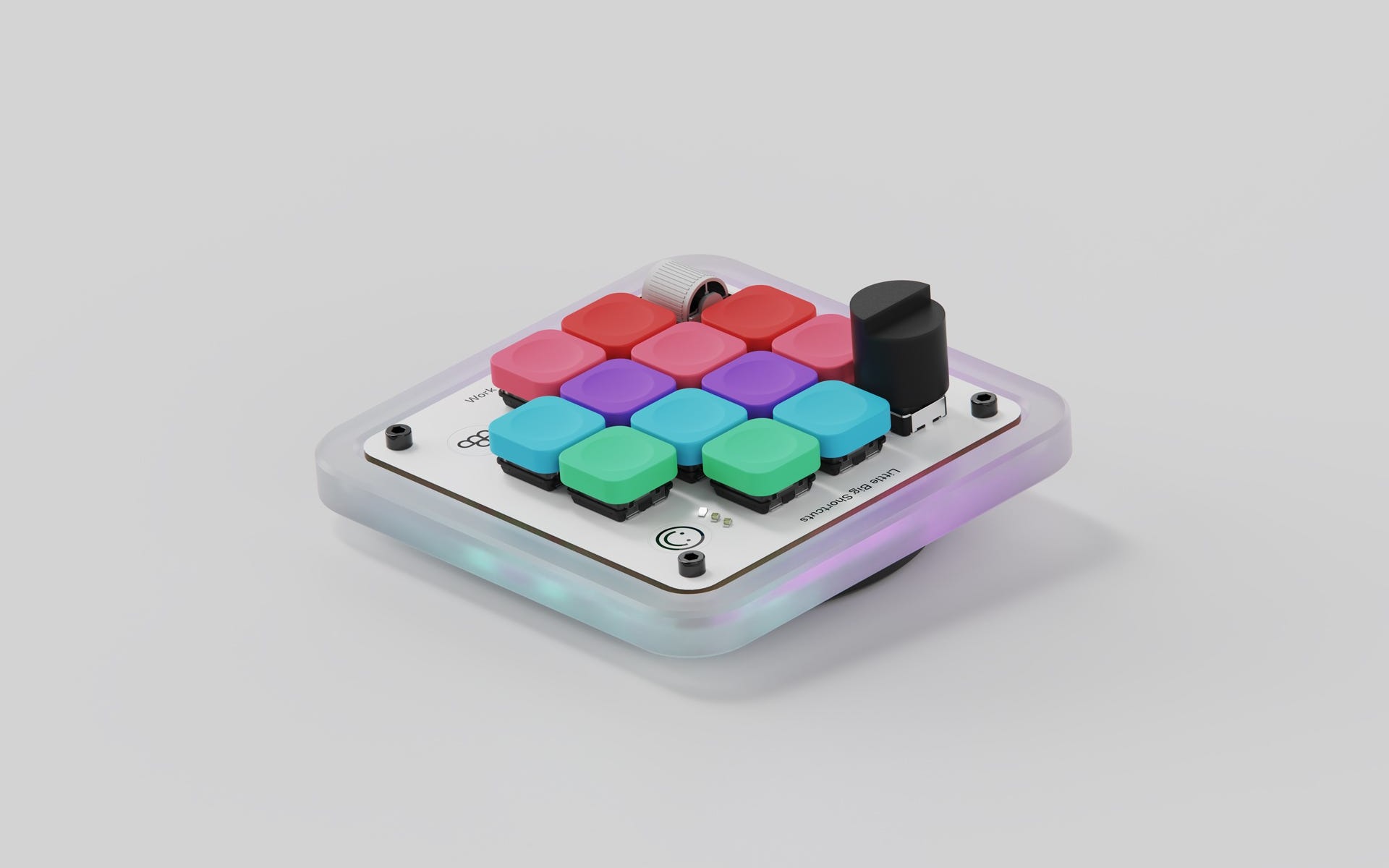
The object
01
I was a heavy Figma user. I had an accessibility need. I also had a weakness for beautiful industrial design. So I bought the Micro pad.
The Micro pad mapped my most common Figma commands to a single satisfying click. That mattered a lot to me at the time: the normal key combinations were really difficult for me to do, or impossible. I used it religiously all day, every day. It honestly helped me get back up to speed after an injury.
It's lovely to look at and satisfying to interact with too. Solid and clicky.
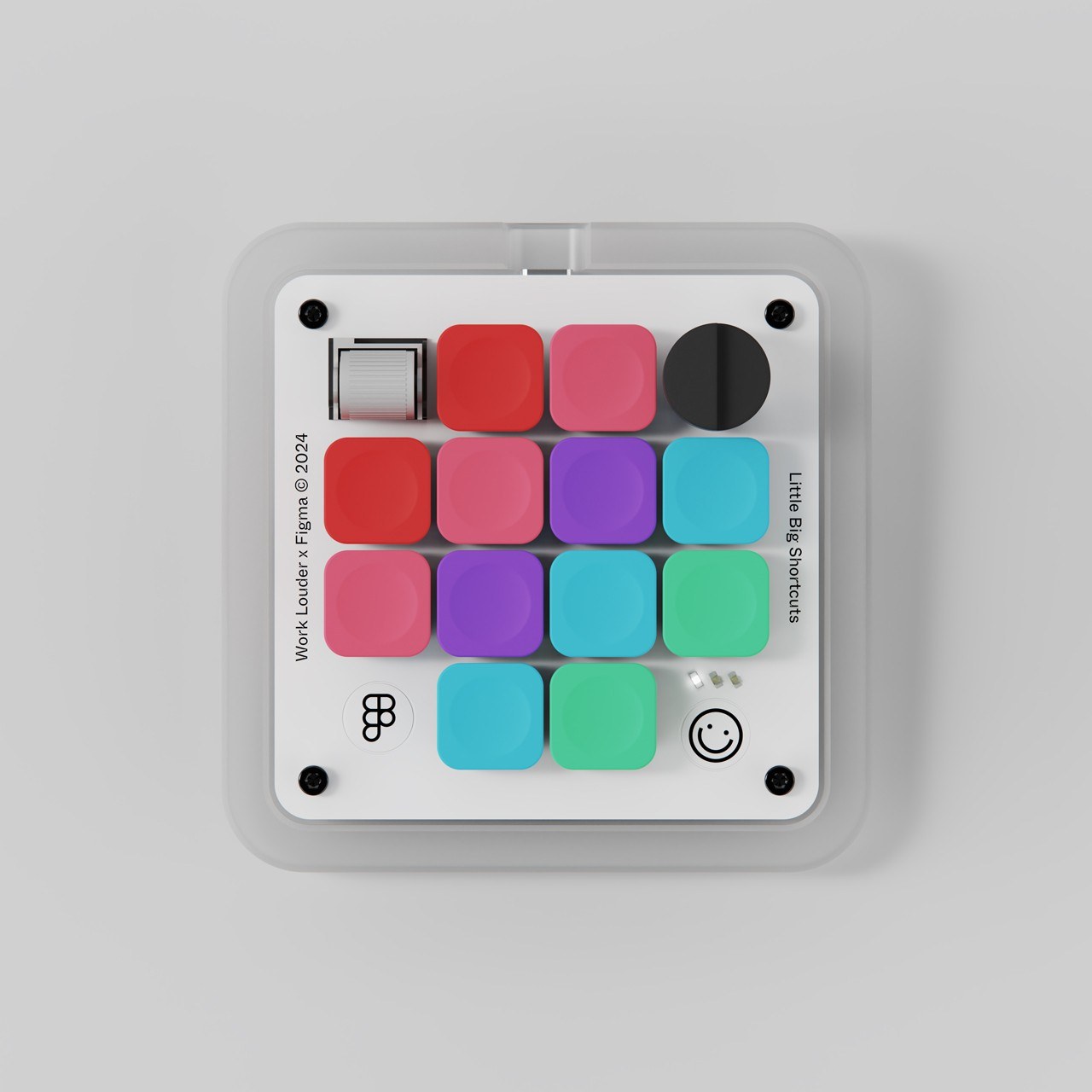
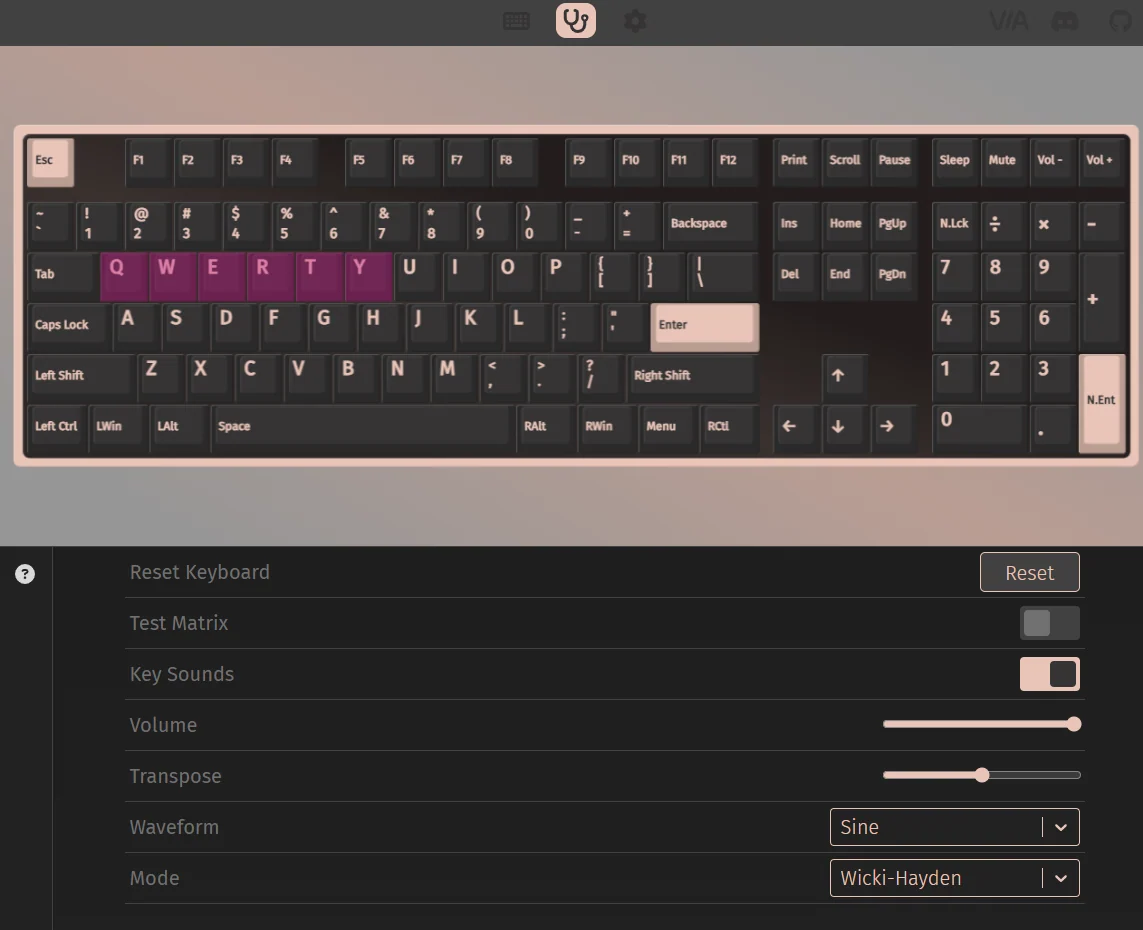
The Micro pad, and the software it came with. Photo of the Micro pad: Work Louder.
The turn
02
A year later, my workflow had changed, but my Micro pad hadn't kept up.
Most of my design work now happens in code, alongside AI agents. Figma has become more of a sketchbook. I still use FigJam to map complex flows, get stakeholders aligned and create something AI can work from, but that's about it.
I wanted to make better use of my Micro pad in this new workflow, but changing what the keys did was a pain. I never got on with VIA, the software it shipped with. Even a simple shortcut needed translating into something like LGUI(KC_C) just to mean cmd+c. It was a chore that never got done.
Eventually, I stopped using the Micro pad altogether. I had a beautiful, very expensive paperweight.
One more thing
Working with AI also gave me new problems to solve. Sometimes I'd set a prompt going, switch tabs and come back half an hour later only to find the agent had stopped after a minute, waiting for an answer or permission.
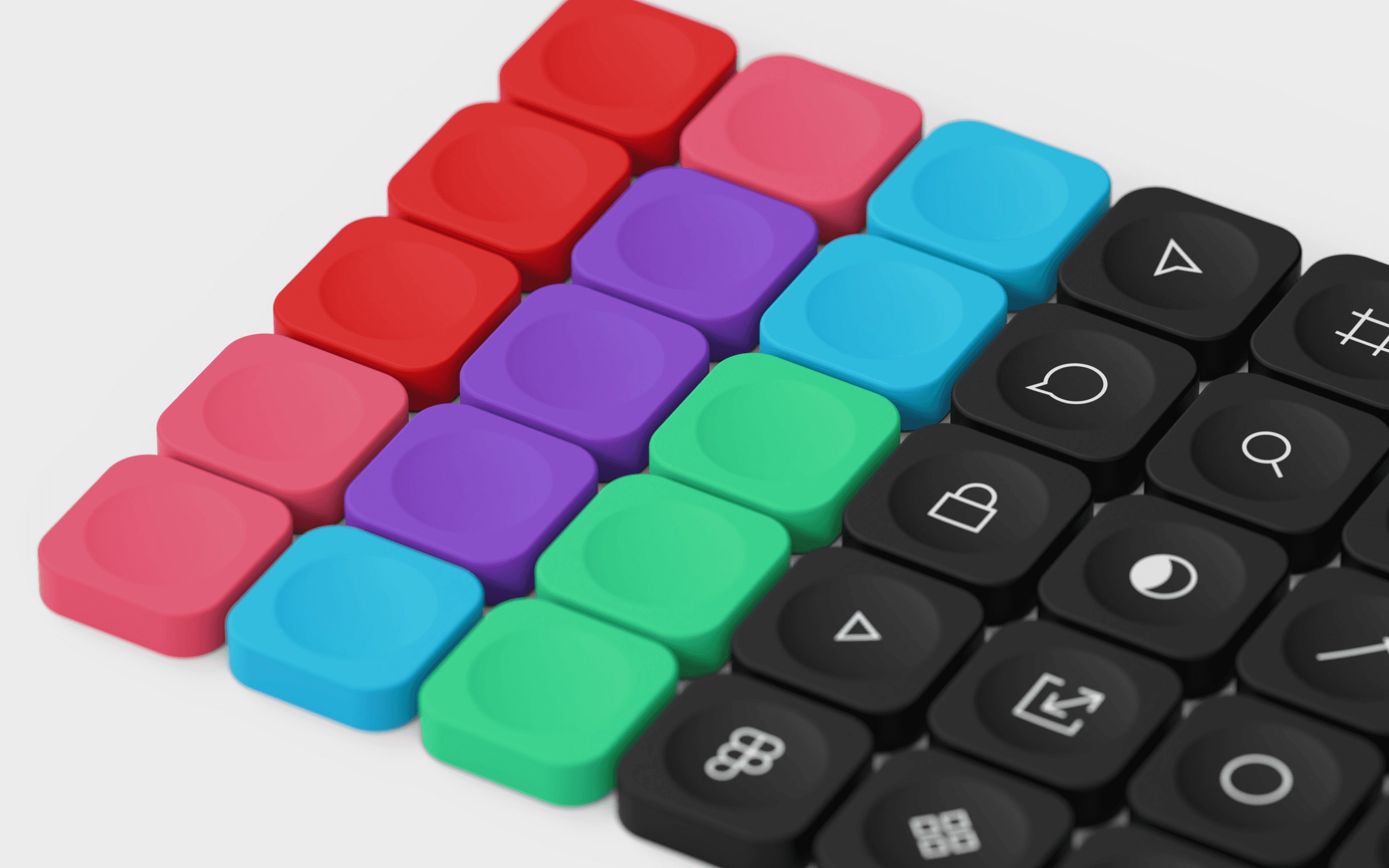
Thirty Figma tool icons, for a tool I'd mostly stopped opening. Photo: Work Louder.
The repurpose
03
So I built my own app for it, one that speaks plain English instead of keycodes.
It's called Keyway, a macOS app I built from scratch. It talks to the Micro pad the same way VIA does, so changes save straight onto it. No firmware to change, nothing to flash.

Keyway, a Mac app of my own.
Tap the key.
Press the shortcut.
Done.
Tap a key on the Micro pad, then press the shortcut you want on your Mac, and Keyway saves it to the Micro pad.
You can't type a layer as a shortcut, so layers get their own picker: hold, toggle, or tap for one thing and hold for another. It also warns you before you delete the only key that gets you to a layer.
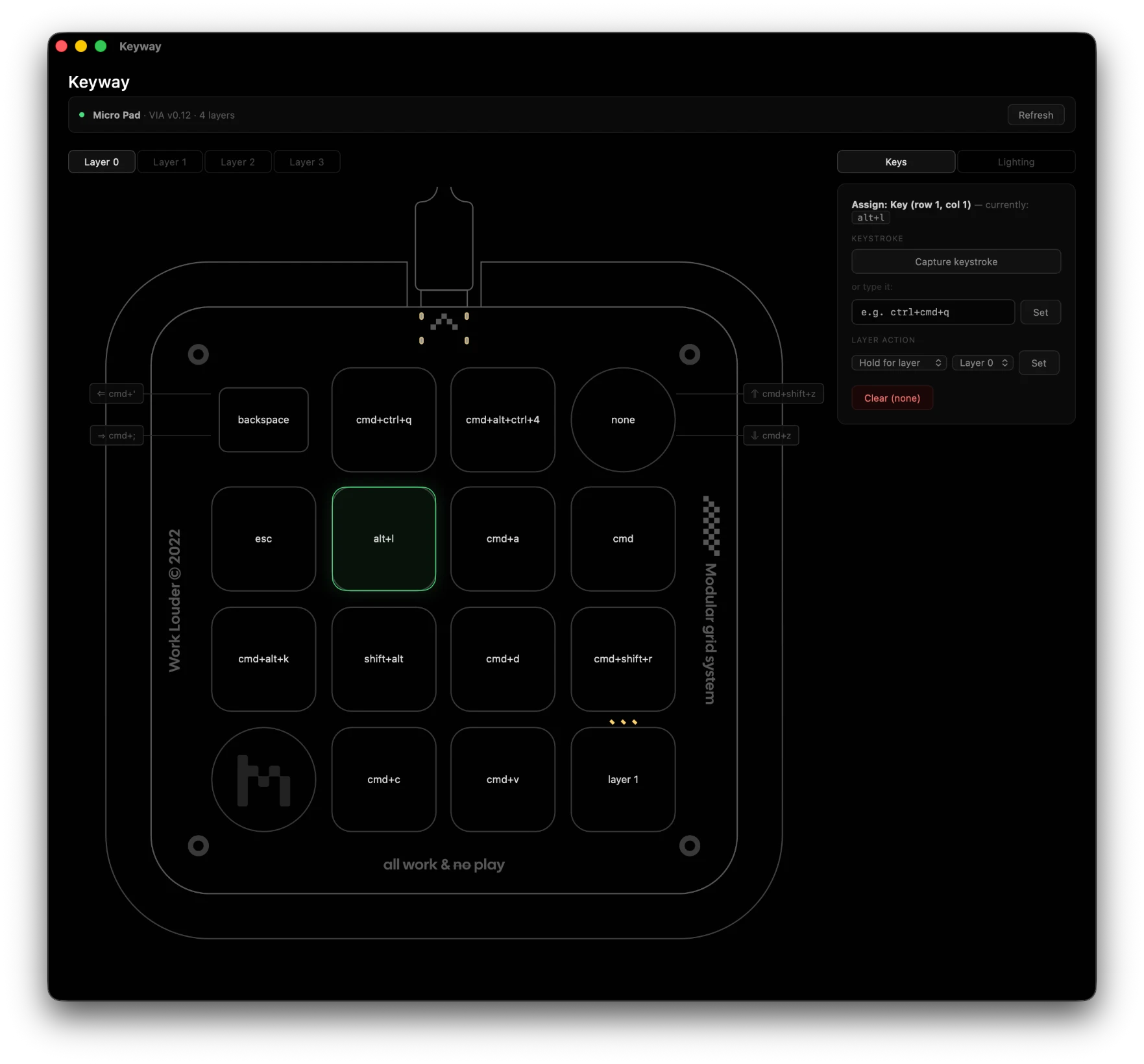
Keyway, assigning cmd+shift+4 to a key on the Micro pad.
The light
04
Now it's part of my AI workflow.
The Micro pad has lights, so I figured they could tell me things. Keyway can also run from the command line, which means Claude Code can control the lights with hooks: little commands that run when something happens in a session.
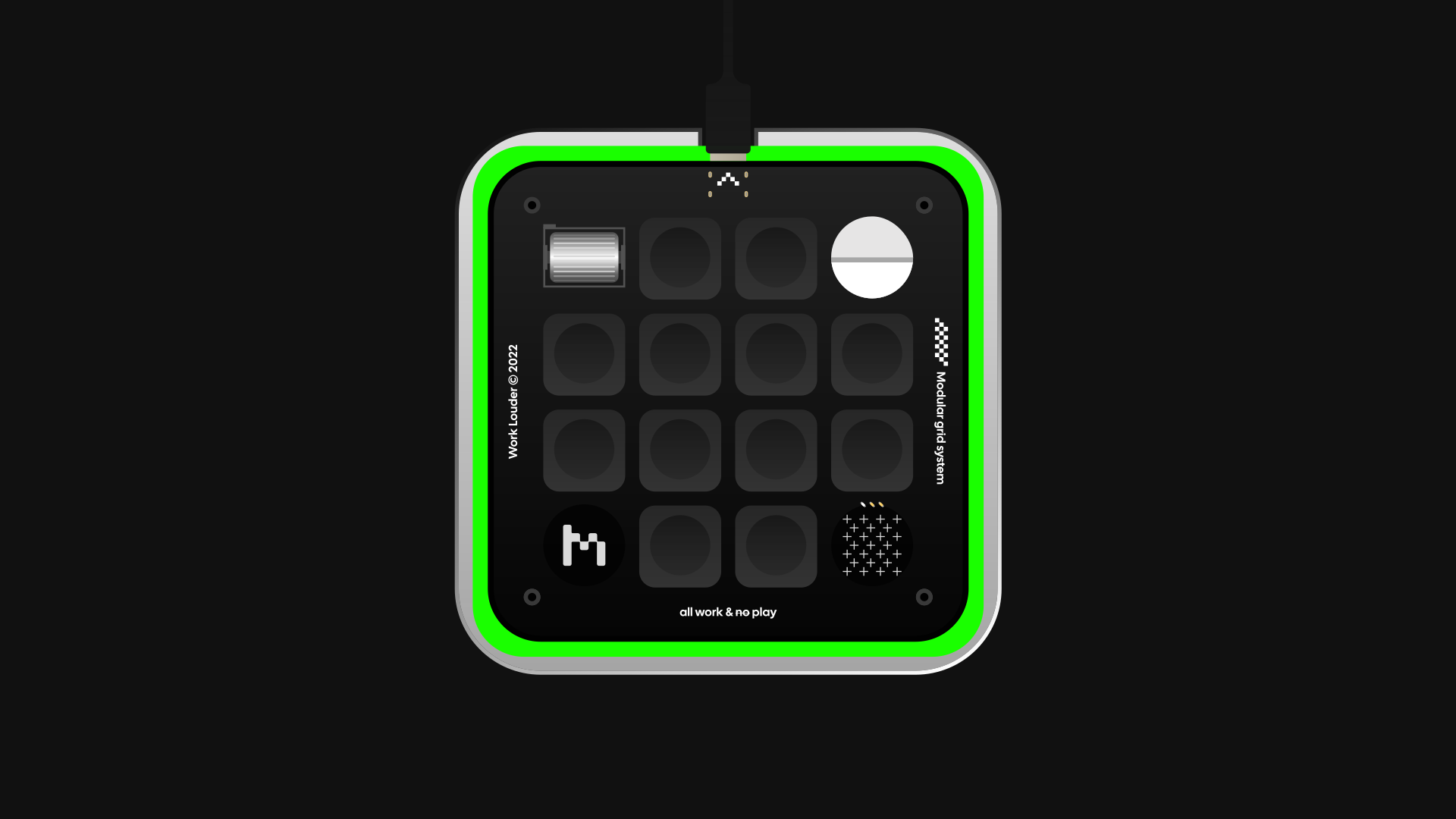
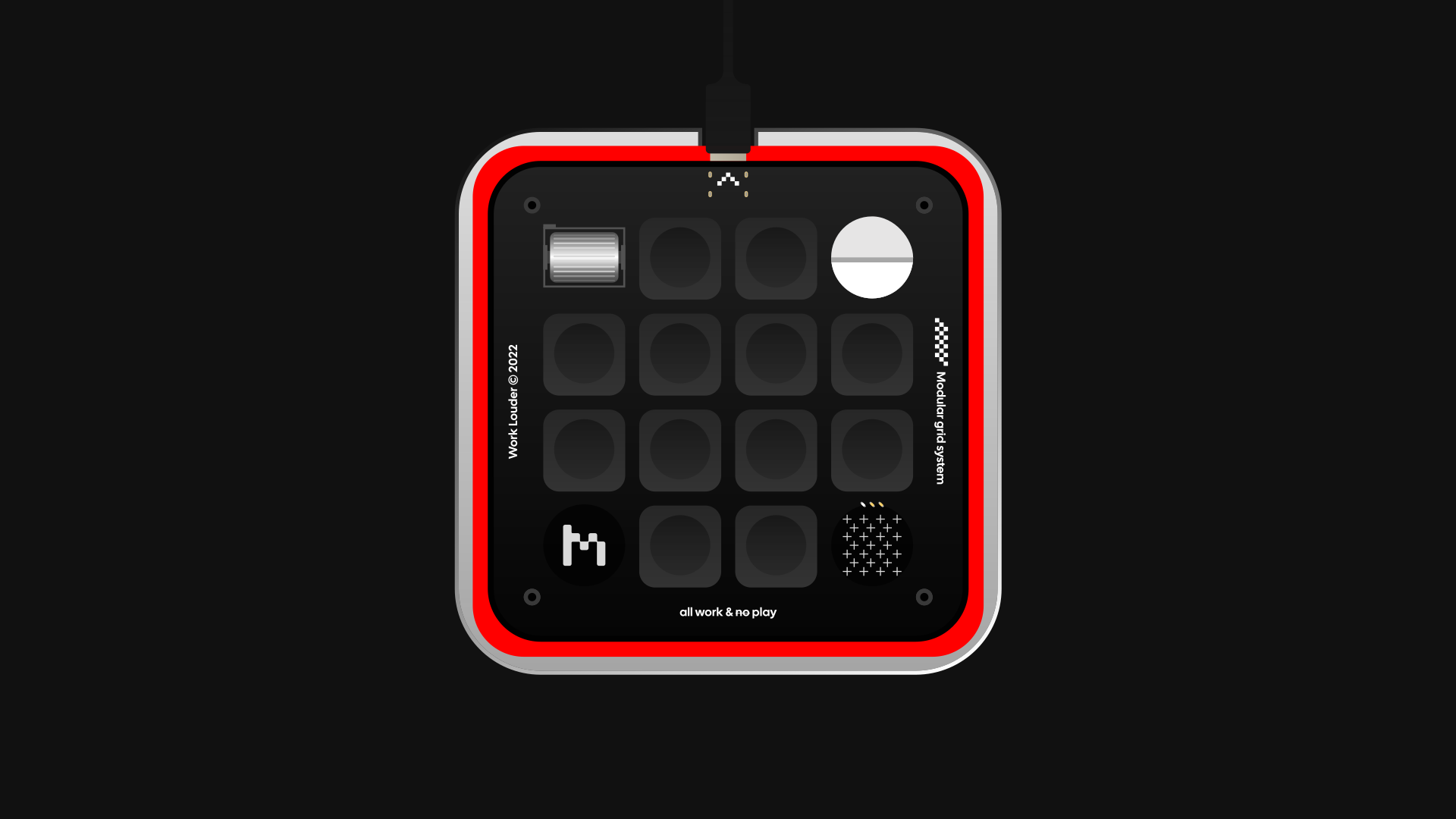
When I send Claude a message, the Micro pad goes blue while it works. Flashing amber means it needs me, green means it's done, and flashing red means something failed. Nothing gets saved to the Micro pad, so my own lighting settings are never lost.
The best bit is that I can get on with other work in other tabs. The Micro pad sits in the corner of my eye, and the moment Claude needs me it flashes amber, so it's never left waiting for an hour.
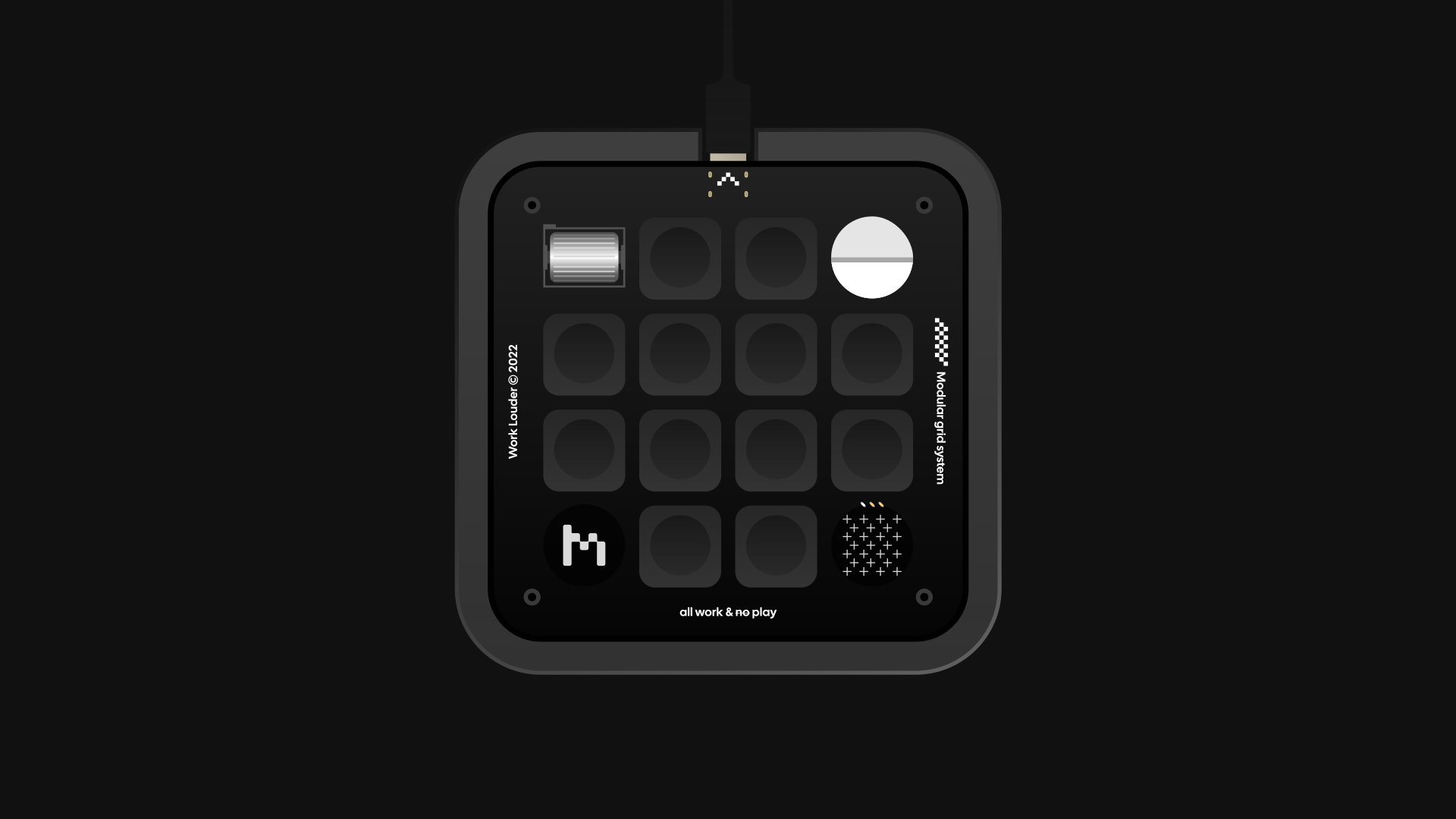
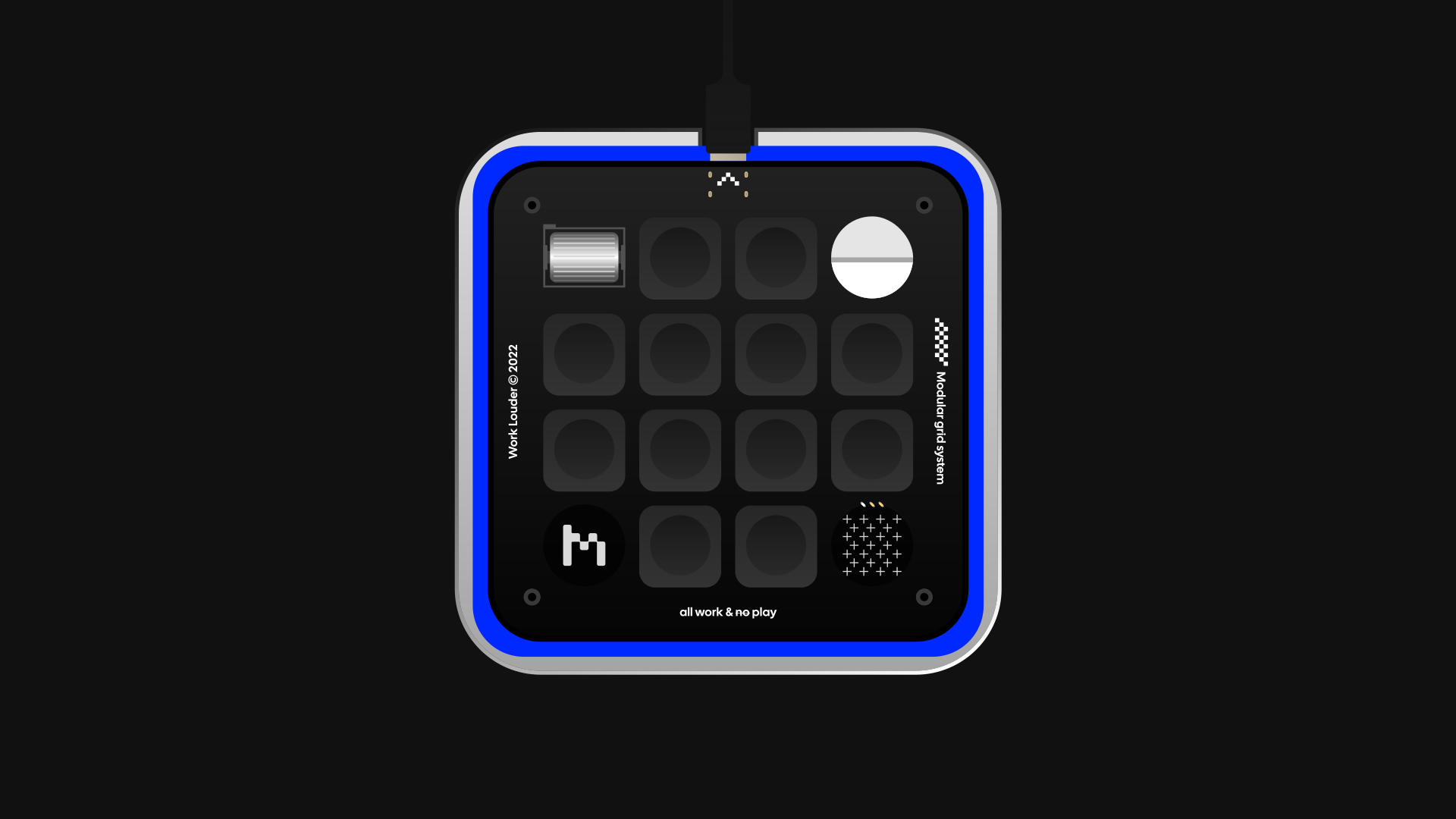
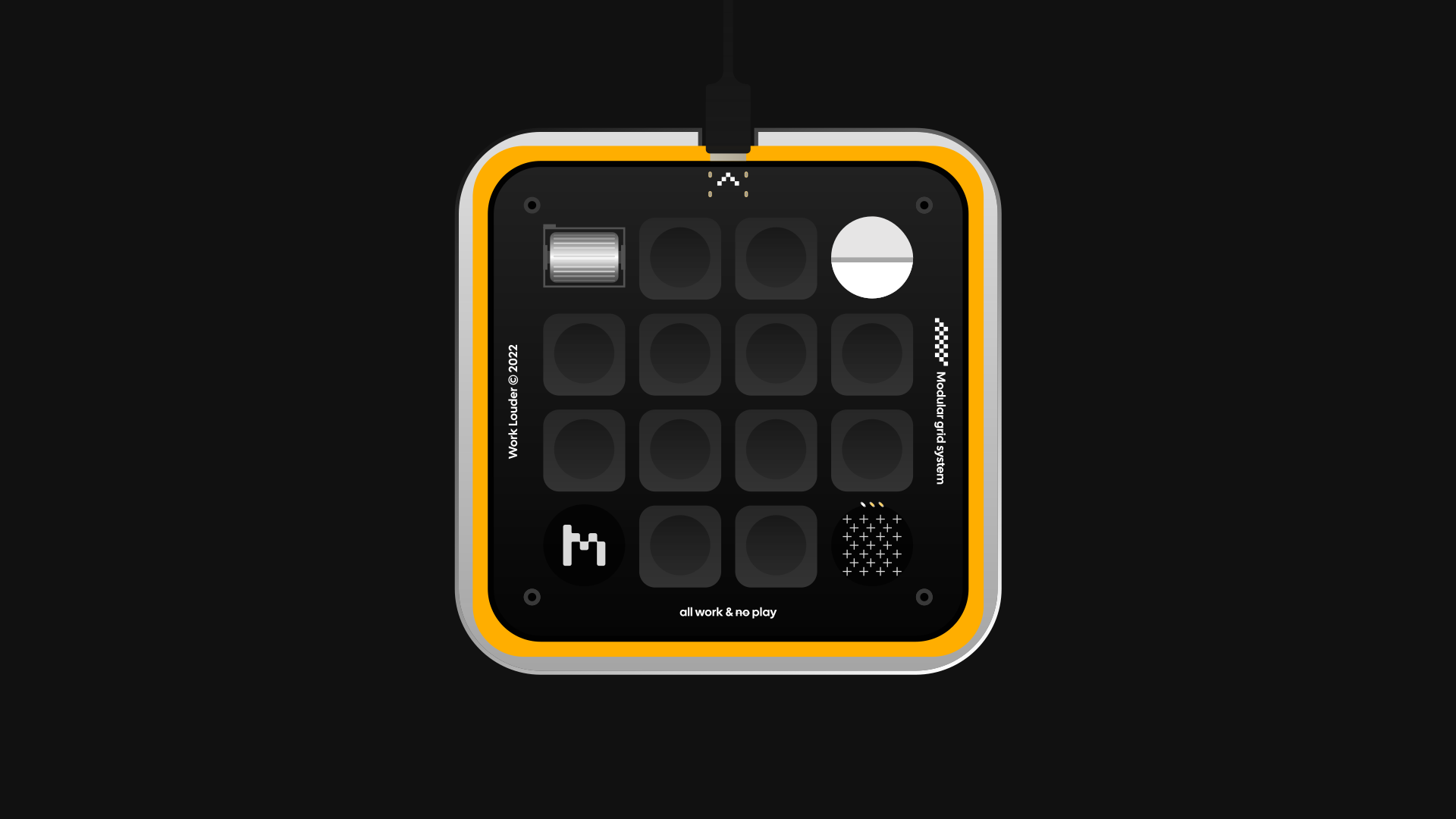
Four colours
Conclusion
05
When you can build things yourself, you don't wait for help, or permission, to solve your own problems.
I designed how it works, then built the app, the bit that talks to the Micro pad, and the hooks myself, with Claude Code alongside. That's how I work now.
Credits